
AI understands your ideal type and finds them for you.
Start something special with HITCHHIKER.
From AI matching to safe meetings,
every feature for your perfect connection.
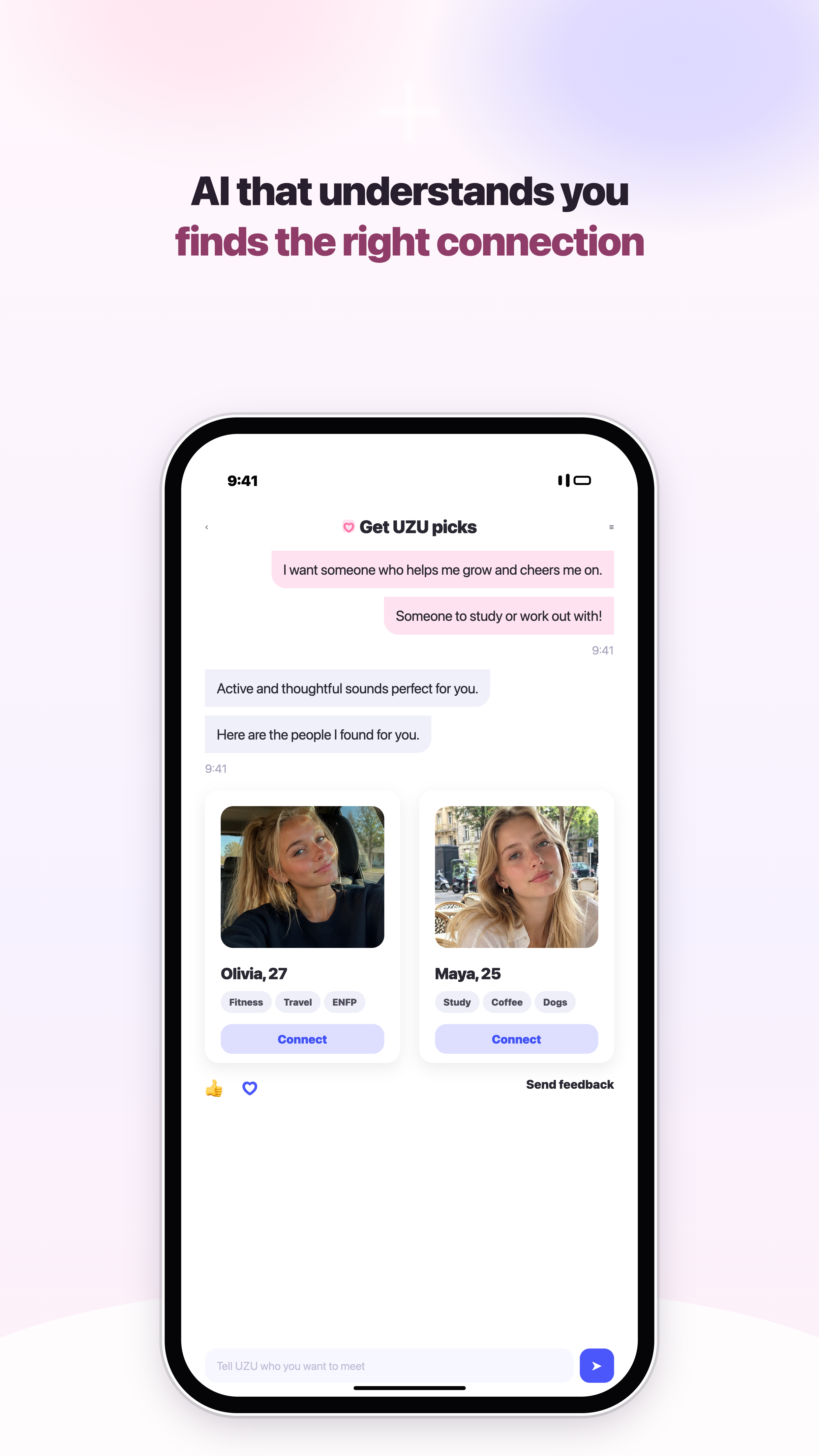
UZU asks about your taste naturally and recommends the perfect match.
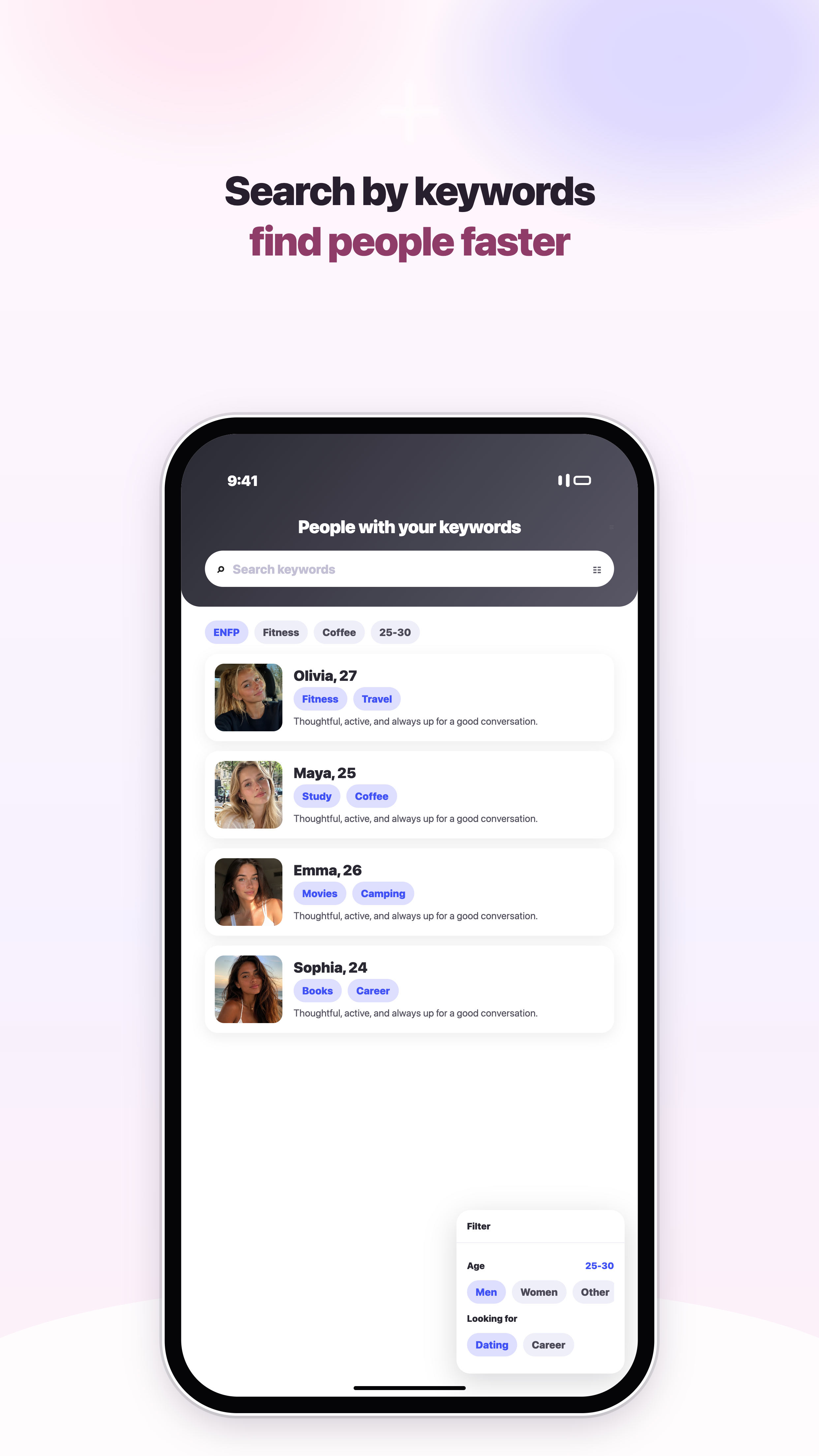
Coffee dates, live music, deep talks — filter by what actually starts a conversation.
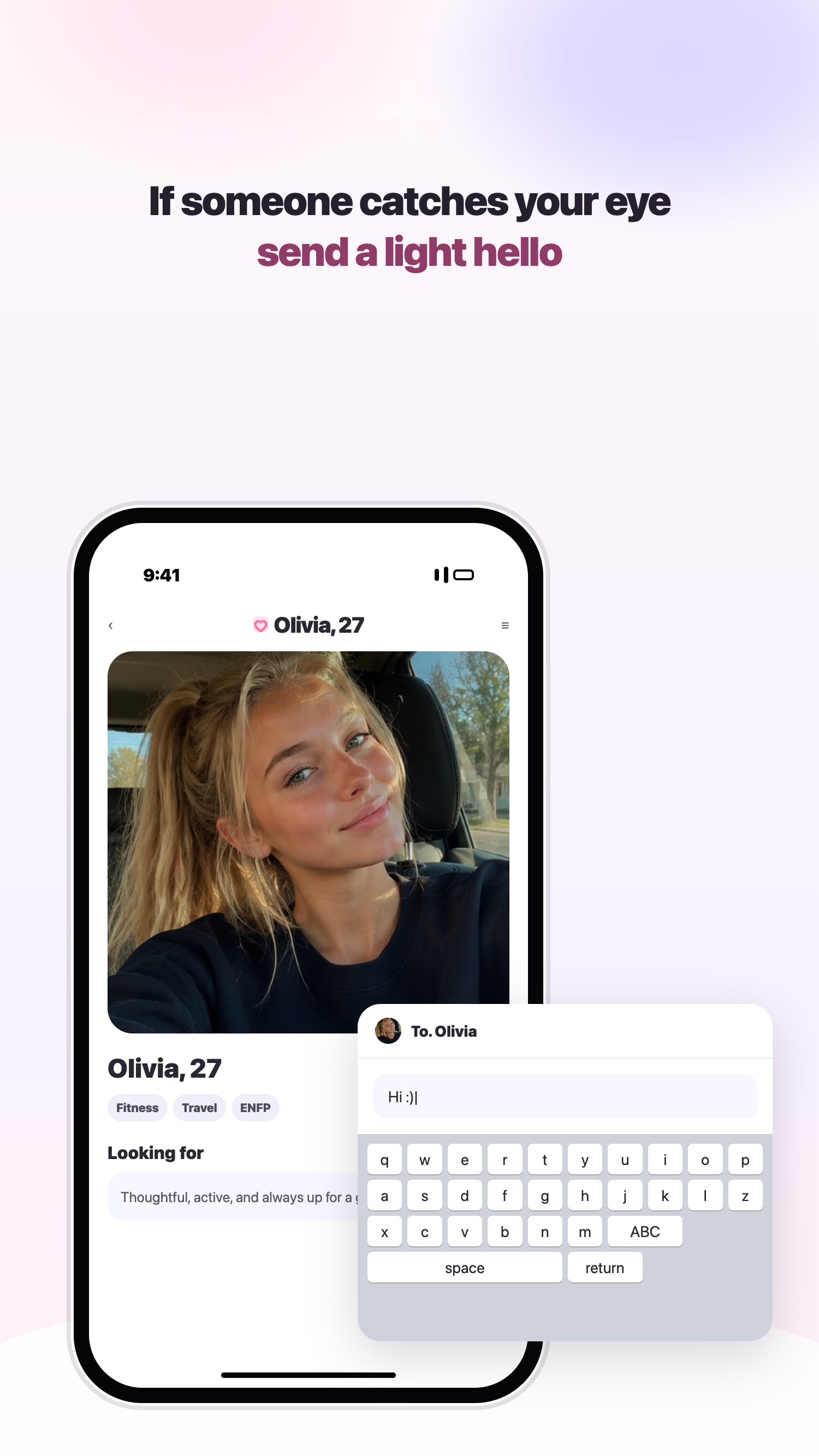
Send your first feeling with a short, no-pressure message.
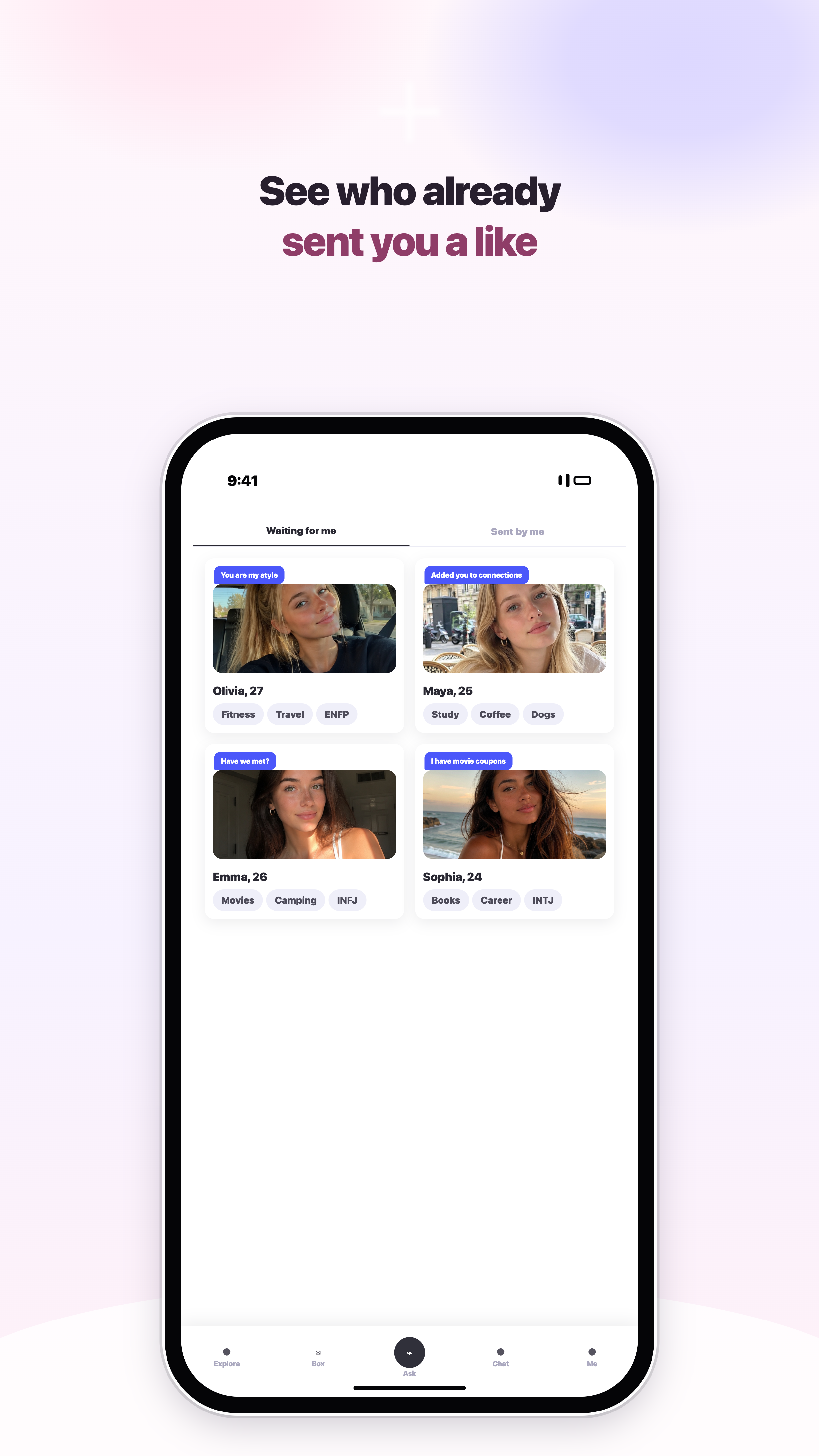
See who's waiting for you and who you reached out to, all in one place.
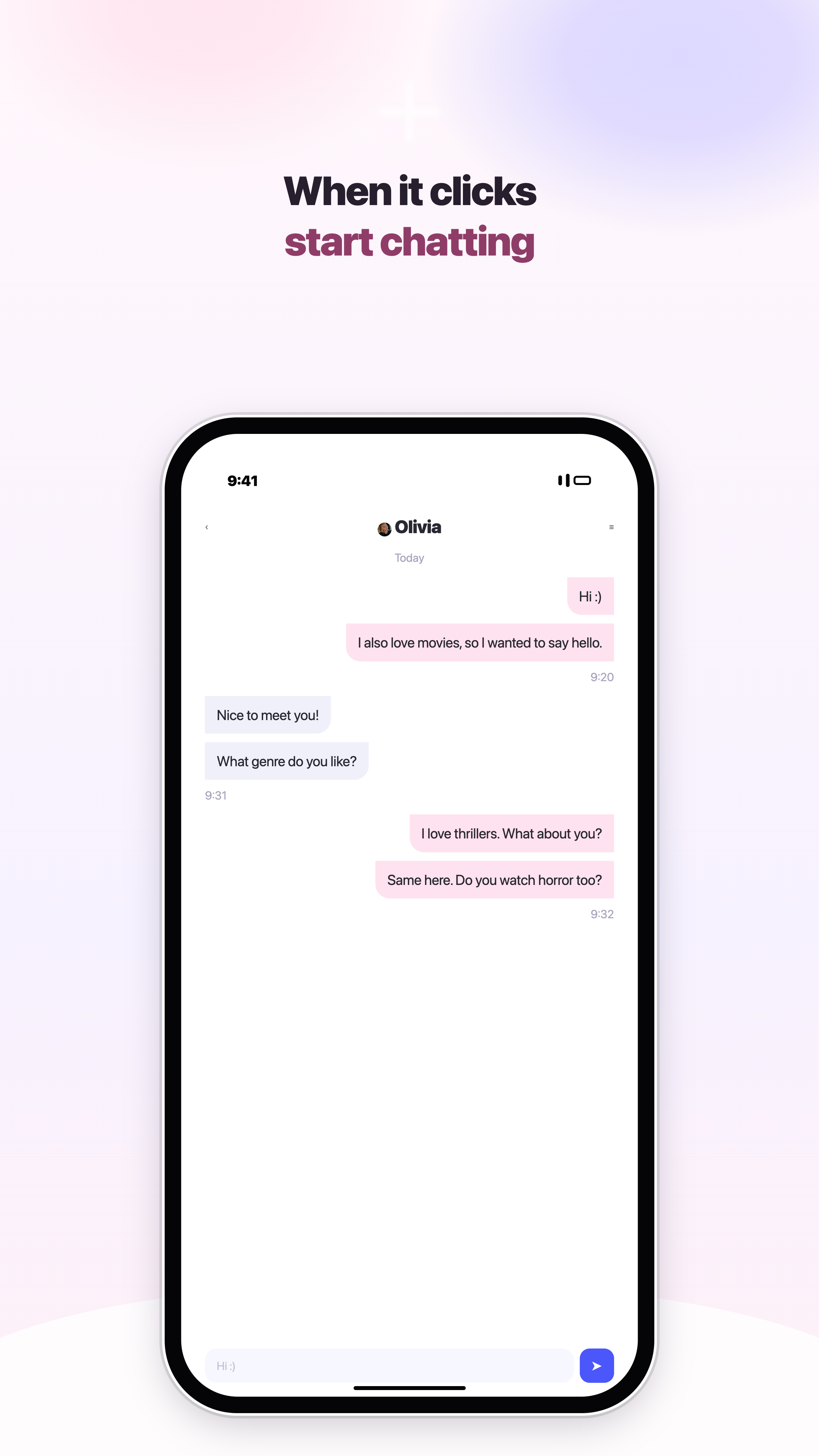
Start a conversation the moment you match.
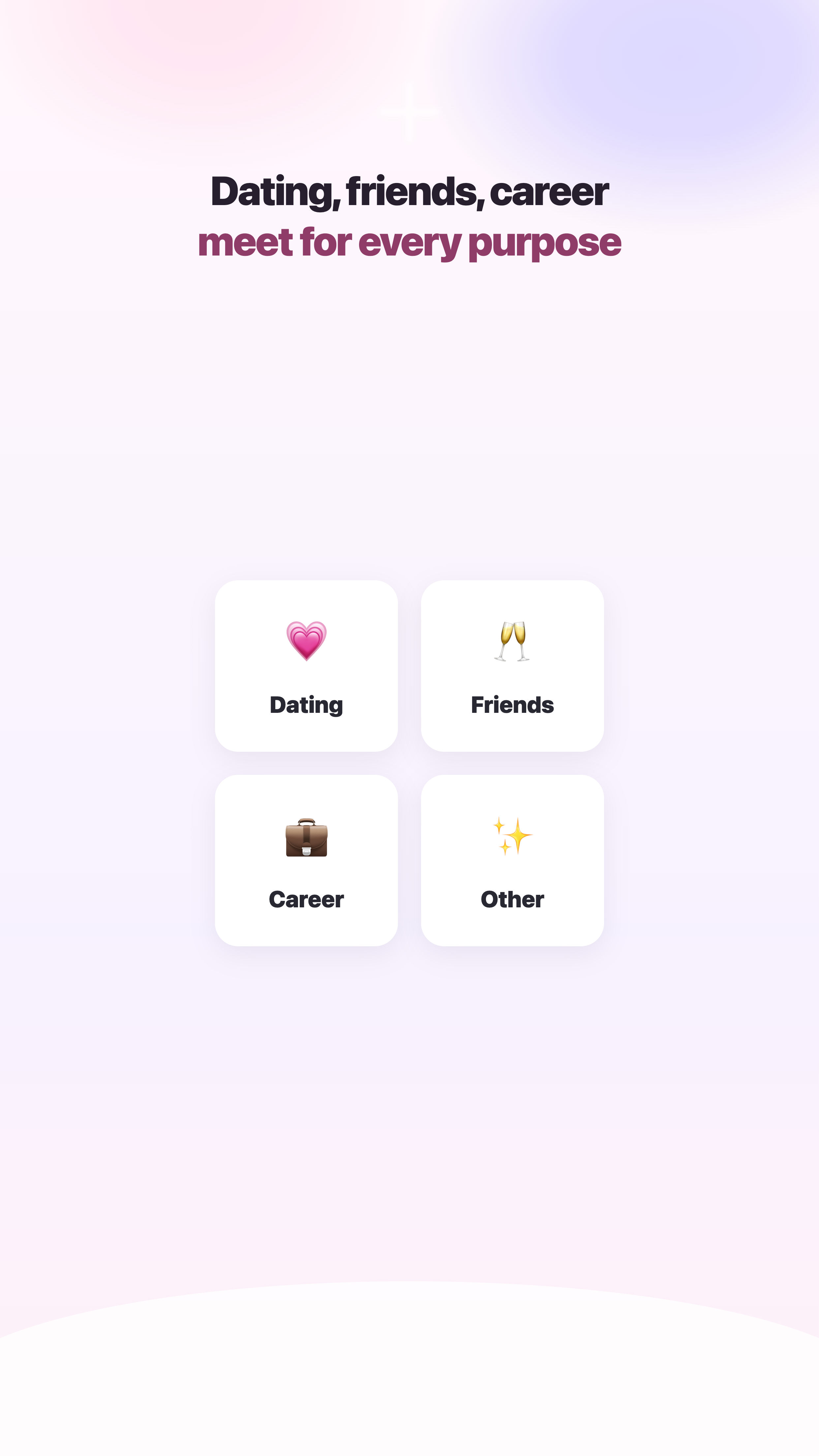
Romance, friendship, career — pick the meeting that fits your goal.
Talk with AI during signup, share your taste, and the main screen shows people who fit you first. Browse profiles, tap like, watch the match animation, then start chatting.
Share your taste and the kind of relationship you want during signup.
Profiles with close taste show up first.
Tap like, move through the match animation, and open chat.
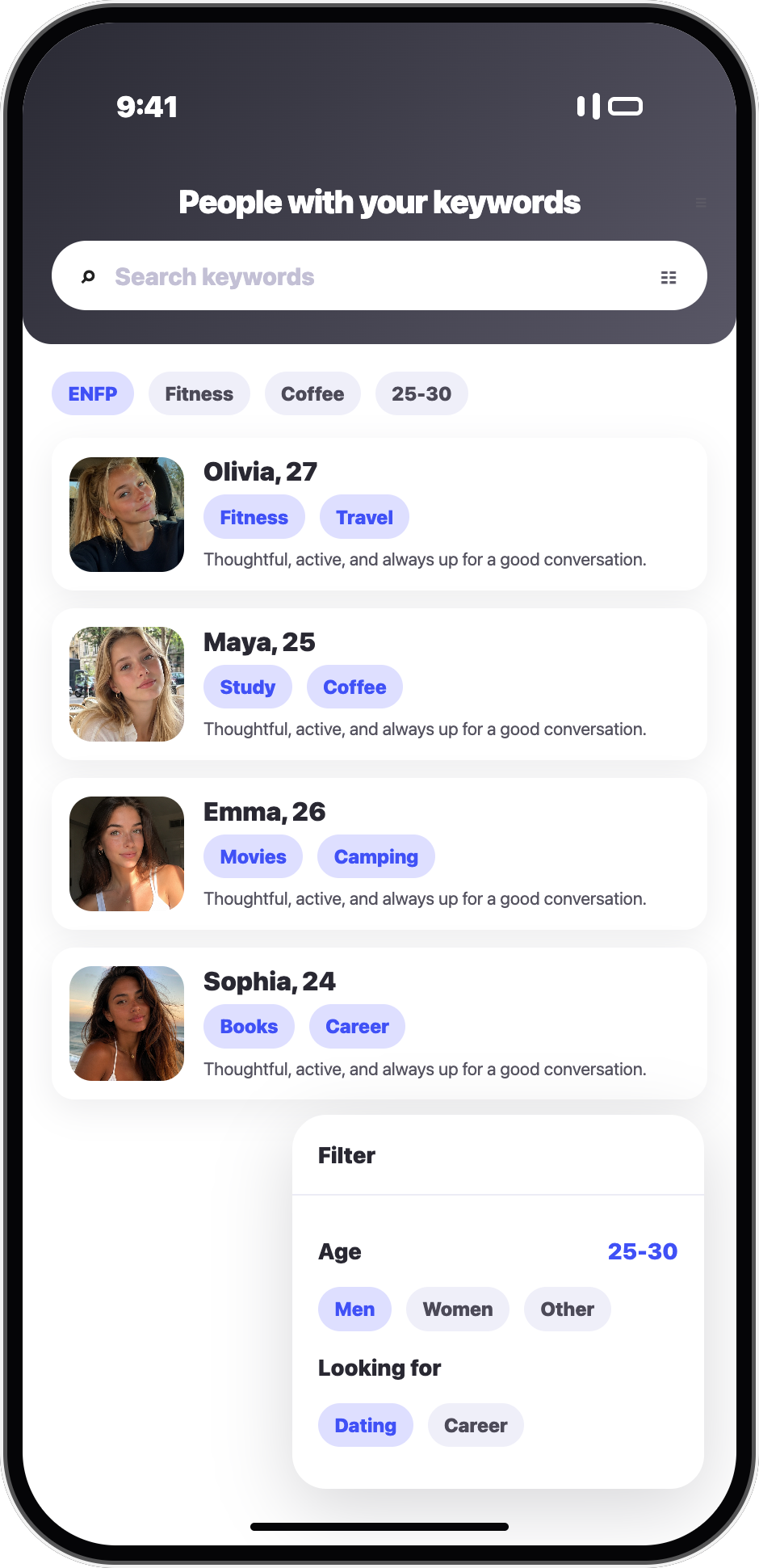
#coffee dates, #deep talks, #live music — explore by keyword and browse what's trending.
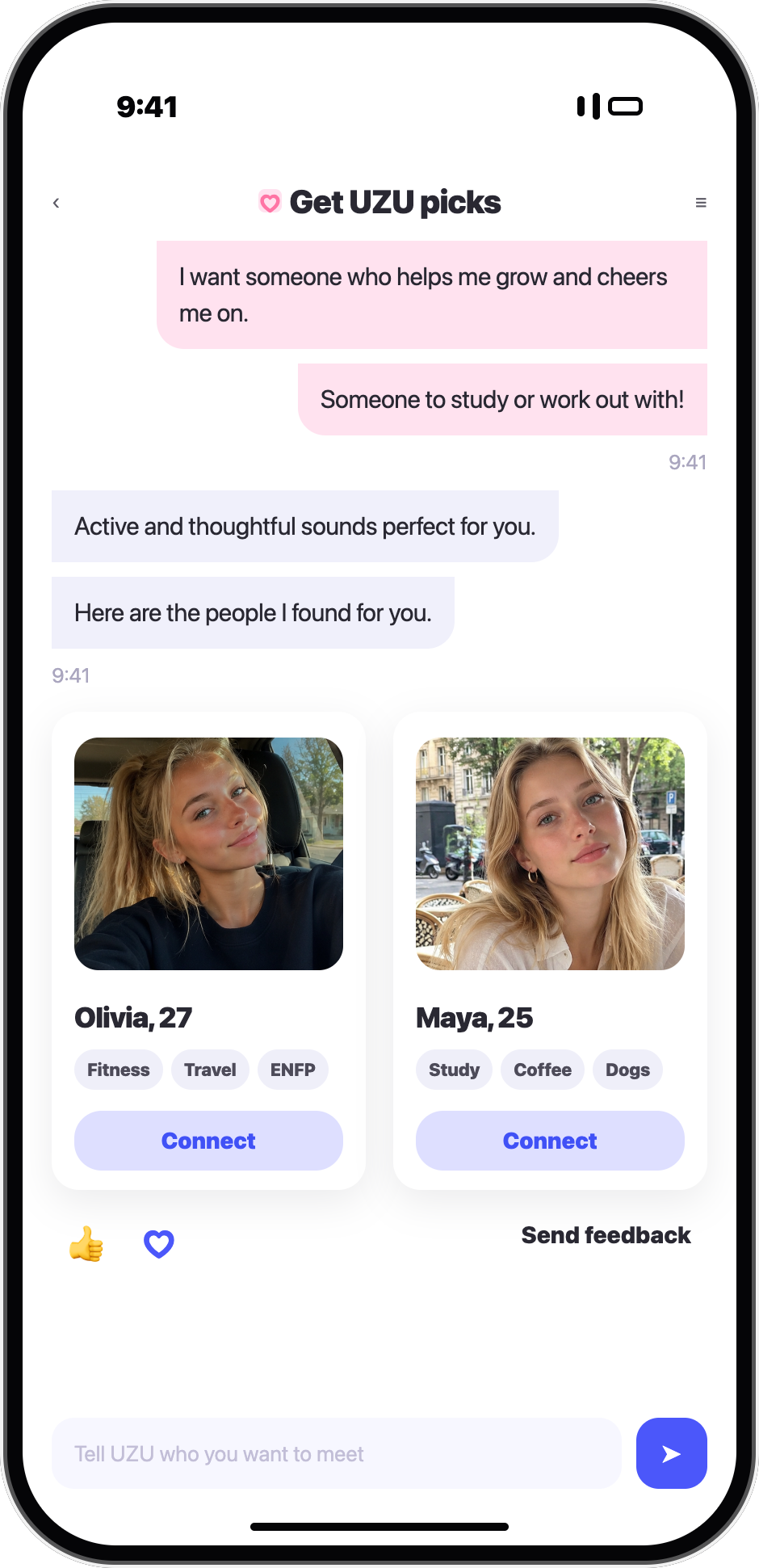
"Someone to study with or work out with" — one line and UZU pulls the perfect two.
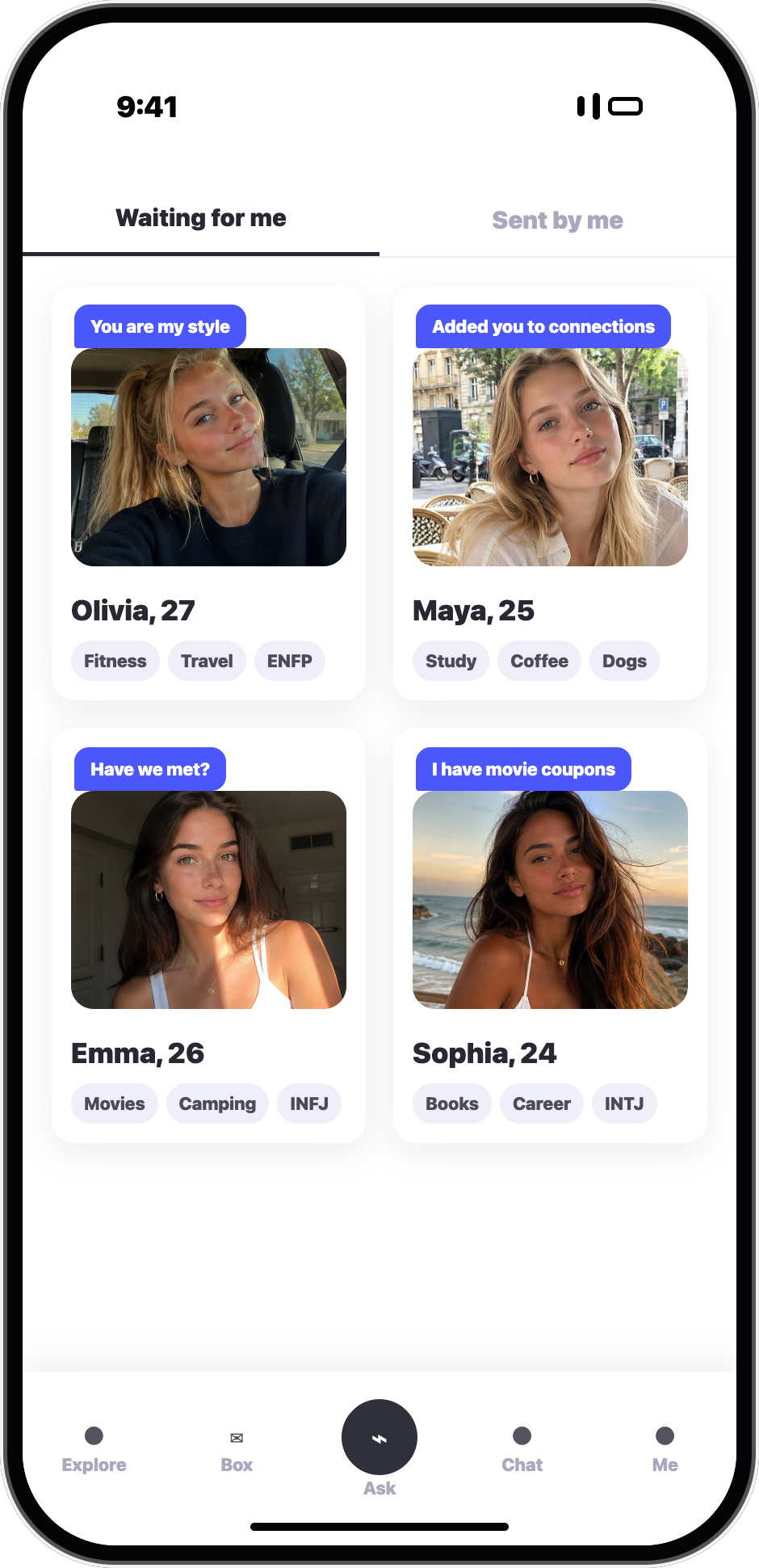
Who's waiting for you and what you've sent — together with their short notes.
Just talk to UZU.
"Someone for egg-tart hopping", "Someone for quiet, deep conversations"
UZU understands the meaning, pulls the keywords, and picks the cosmonaut that truly fits.
Honest profiles with keywords, photos, and a bio.
Say a light hello when something catches your eye.

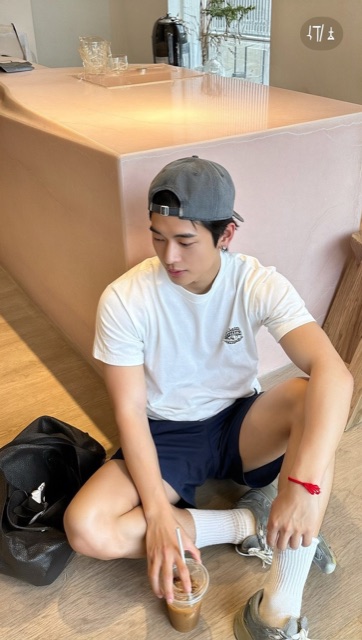




A social matching platform that uses AI to find connections that fit you. It supports romance, friendship, career, and more.
Both iOS and Android. Free to download from the App Store and Google Play.
Our AI chatbot UZU asks naturally about who you'd like to meet. Tell it preferences like "active and outgoing" or "someone for quiet deep talks at a cafe" — it understands the meaning and finds the right people.
Yes, user safety comes first. Identity verification and reporting handle bad behavior immediately, and the honest preferences you share with UZU stay private — they're never exposed to other users.
Downloading the app, creating a profile, and basic discovery are free. Some features—including revealing likes, pre-match notes, additional UZU recommendations, and boosts—may require Stars or a membership.
When you first open the app, a few simple questions build your profile. Add photos and basic info to start, and chat with the AI any time to deepen your taste.
Scan the QR code, or grab it from the store.

 Scan to install